
How to Keep Your Private Keys Safe: A Practical Guide

You hold the keys. You own the coins. But do you actually know where those keys are right now? If your private key is sitting in a screenshot on your phone or saved in a cloud note, you don't really own your crypto. You’re just renting it from whoever controls that server. The blockchain doesn’t care about your feelings or your backups; if someone else gets your key, they take your money, and there’s no support number to call.
The Golden Rule: Never Go Digital with Secrets
Here is the biggest mistake people make: treating a private key like a password. Passwords go into databases. Private keys should never touch an internet-connected device after they are generated. The moment your key touches a computer running Windows, macOS, Android, or iOS, it becomes vulnerable to malware, keyloggers, or a compromised operating system.
Think about how you store your house key. You don’t email it to yourself. You don’t post a picture of it on Instagram. You keep it in your pocket or a safe. Crypto keys work the same way, but the stakes are higher because digital theft happens instantly and globally. If you store your key in a text file named "passwords.txt" on your desktop, you’ve essentially left your front door unlocked in a bad neighborhood.
Hardware Wallets: Your First Line of Defense
If you have more than $100 worth of crypto, stop using software wallets for storage. Software wallets are fine for small daily spending, but they expose your keys to the risk of a hacked browser or a malicious app update. This is where Hardware Wallets come in. These are physical devices, like USB sticks, designed specifically to keep your keys offline.
When you use a hardware wallet, the private key never leaves the device. When you want to send Bitcoin, you plug the device in, sign the transaction on the device itself, and only the signed signature goes to the computer. The computer sees the instruction, but it never sees the secret. It’s like signing a check in a locked room-the bank (the blockchain) accepts the signature without ever seeing your pen stroke.
| Method | Security Level | Risk Factor | Best For |
|---|---|---|---|
| Hardware Wallet | High | Physical loss/theft | Long-term holding ($1k+) |
| Paper Wallet | Medium-High | Fade, fire, water damage | Cold storage backups |
| Software Wallet | Low-Medium | Malware, phishing | Small amounts, active trading |
| Exchange Custody | Variable | Hacks, bankruptcy | Convenience, not ownership |
Backup Strategies That Actually Work
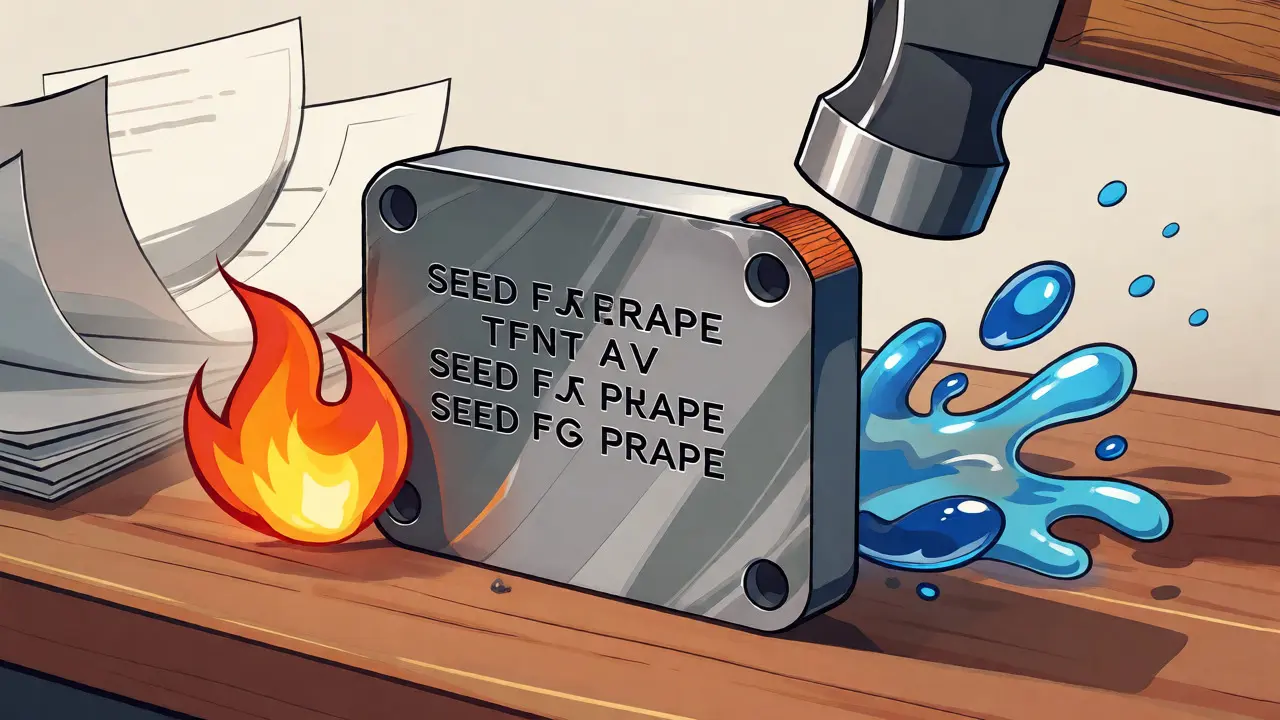
Owning a hardware wallet isn’t enough. What if you lose the device? Or what if it breaks? You need a backup. Most modern wallets use a Seed Phrase (also called a recovery phrase), which is a list of 12 or 24 words that can regenerate all your private keys. Writing these words down on paper is better than nothing, but paper burns. And it fades.
For serious holdings, consider steel backup plates. These are metal sheets where you stamp or engrave your seed phrase. They survive fire, flood, and corrosion. I know folks who buried theirs in their backyard or put them in a safety deposit box at a different bank than their main one. Redundancy is key. If your house burns down, do you have a copy elsewhere? If your safety deposit box floods, do you have another copy?
- Never store your seed phrase digitally: No photos, no cloud notes, no encrypted PDFs on your hard drive. Hackers target digital files first.
- Verify your backup: After writing down your seed phrase, wipe the wallet and try to restore it using only the paper/metal backup. If it works, you’re good. If it doesn’t, you learned this lesson while holding $5 instead of $50,000.
- Geographic distribution: Keep one backup at home and one off-site. Don’t keep both in the same building.
Avoiding Human Error: The Silent Killer
Technology fails less often than humans do. According to recent industry reports, over 70% of crypto losses aren’t due to sophisticated quantum attacks, but simple mistakes. People accidentally sync their phone galleries to iCloud, exposing screenshots of their seed phrases. Others paste their private keys into random websites to "claim airdrops," handing over control to scammers.
Be paranoid about clipboard hygiene. Malware can swap the destination address when you copy-paste. Always verify the last four characters of the address on your hardware wallet screen before confirming. If the address on your screen doesn’t match the address on your computer exactly, hit cancel. Also, beware of "dusting" attacks where tiny amounts of crypto appear in your wallet; interacting with them can sometimes leak privacy data, though it rarely compromises keys directly.
Advanced Protection: Multi-Signature and MPC
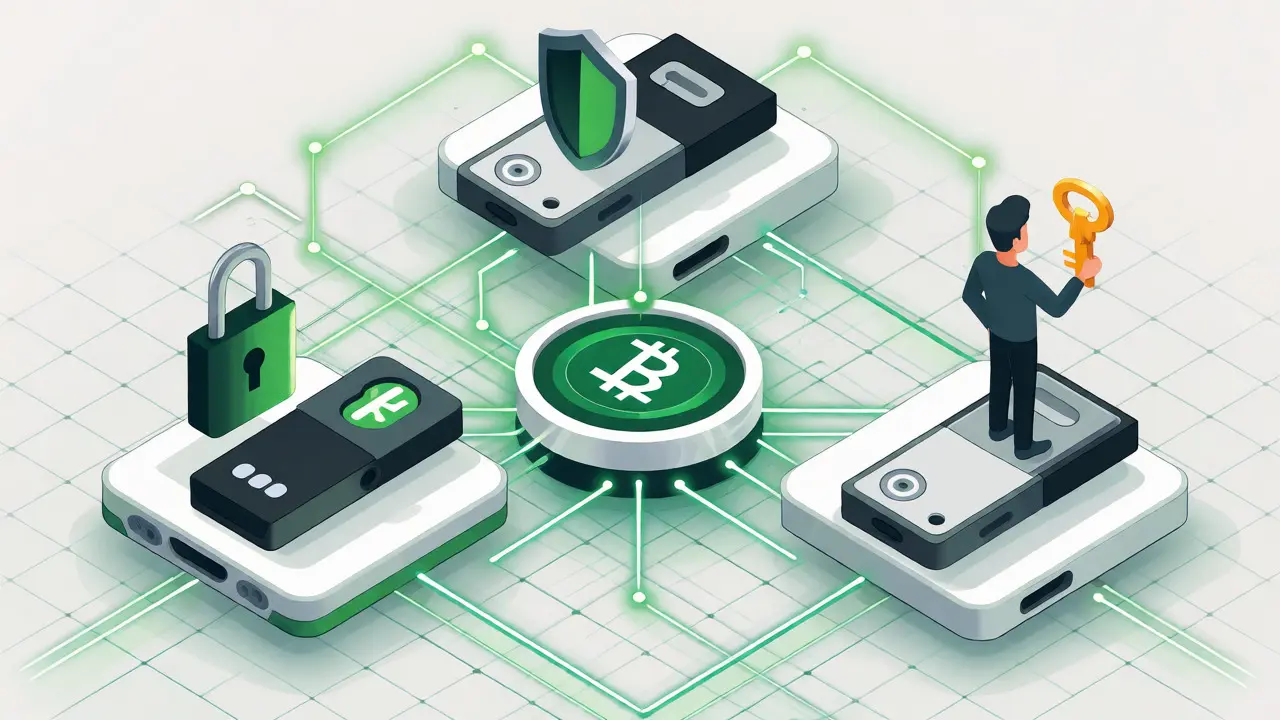
If you’re managing significant wealth, single-key setups might feel too risky. Enter Multi-Signature (Multisig) wallets. This requires multiple private keys to authorize a transaction. Think of it like a bank vault that needs two managers to open it simultaneously. You could set up a 2-of-3 scheme: one key on your hardware wallet, one on a second hardware wallet stored in a safe, and one with a trusted family member or lawyer. Even if a thief steals one key, they can’t move your funds.
Another emerging technology is MPC (Multi-Party Computation). Instead of having one complete private key, MPC splits the key into shares across multiple devices. The full key is never assembled in one place. This reduces the risk of a single point of failure, making it harder for hackers to grab everything at once.
What About Cloud Storage?
Can you use Dropbox or Google Drive? Only if you encrypt the file locally first, and even then, it’s risky. Why? Because if you forget the encryption password, you’re stuck. If you write the password next to the file, you’ve defeated the purpose. Cloud providers can also change terms of service or freeze accounts. For true self-custody, analog solutions beat digital convenience every time.
Remember, the goal isn’t just to keep hackers out. It’s to keep your future self from losing access. Write clear instructions for your heirs. If something happens to you, how will they find your hardware wallet and understand your seed phrase location? A simple letter explaining the process is invaluable.
Quick Checklist for Key Safety
- Generate keys on a hardware wallet, never online.
- Write the seed phrase on paper or steel immediately.
- Store backups in separate physical locations.
- Test the recovery process with a small amount of crypto.
- Never enter your seed phrase into any website or app.
- Update firmware on hardware wallets regularly.
Securing your private keys is boring work. It involves checking lists, buying metal plates, and double-checking addresses. But this boredom is what protects your wealth. In a world of volatile markets and hype cycles, being the person who didn’t get hacked because you kept your keys offline is a quiet victory worth celebrating.
Can I recover my crypto if I lose my hardware wallet?
Yes, provided you have your seed phrase backup. The hardware wallet is just a tool to generate and sign transactions. As long as you have the 12 or 24-word seed phrase written down securely, you can buy a new wallet (even from a different manufacturer) and restore your funds using that phrase.
Is it safe to store my private key in a password manager?
It is safer than plain text, but still risky. Password managers sync across devices, meaning your key exists on multiple computers and phones. If one of those devices is compromised by malware, your key could be exposed. For large amounts, stick to offline physical backups.
What happens if I share my public key instead of my private key?
Nothing bad happens. The public key (or address) is meant to be shared so people can send you money. Only the private key grants the ability to spend the funds. Sharing the public key is like giving someone your bank account number-it lets them deposit, but not withdraw.
Do I need a hardware wallet for small amounts?
Not necessarily. If you have less than $50-$100, the cost of a hardware wallet might exceed the value of the asset. However, if you plan to accumulate more, starting early builds good habits. For very small amounts, a reputable software wallet with strong passwords and 2FA is acceptable, but always move funds to cold storage when balances grow.
Can hackers steal my private key remotely?
They can steal it if it resides on an internet-connected device. If your key is inside a hardware wallet that is unplugged, remote hackers cannot extract it. Physical access is required to compromise an offline hardware wallet, unless there is a specific supply-chain attack during manufacturing.