
How to Enable 2FA on Crypto Exchanges: A Step-by-Step Guide for Maximum Security
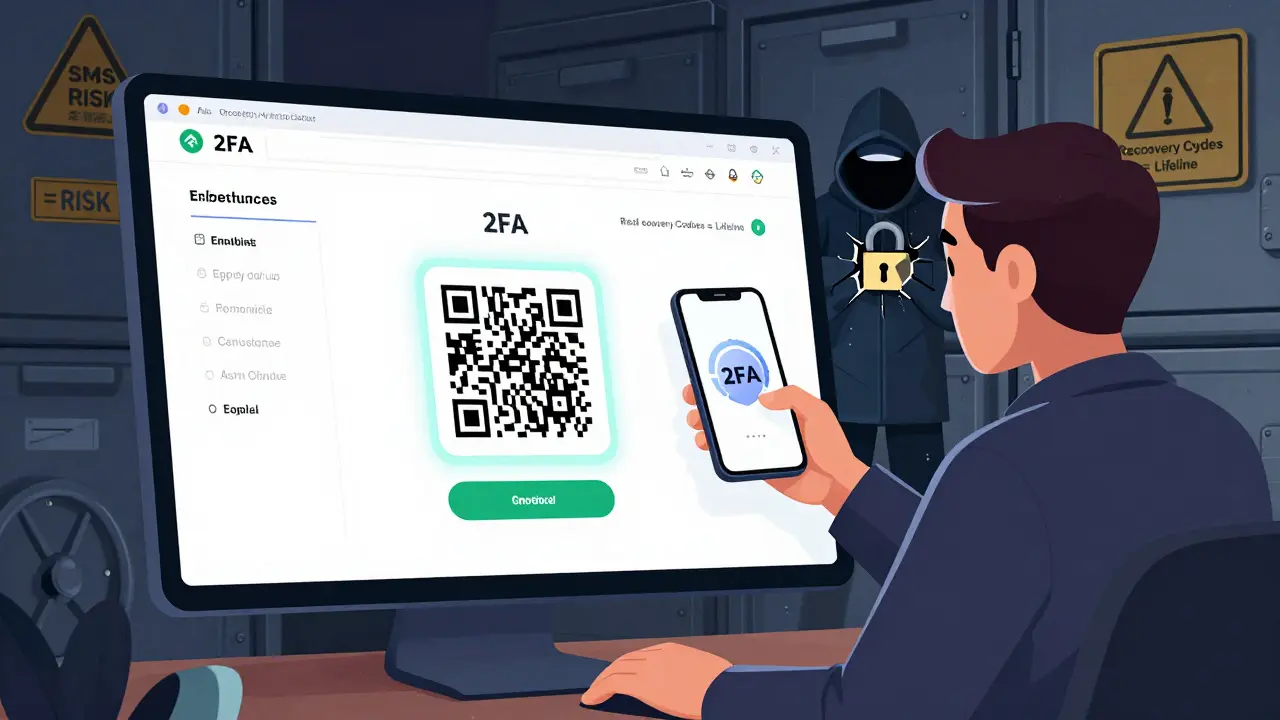
Every year, millions of dollars in cryptocurrency get stolen-not because hackers cracked complex codes, but because users skipped one simple step: enabling two-factor authentication (2FA). If you’re holding crypto on an exchange, you’re already trusting them with your assets. But without 2FA, you’re leaving the front door wide open. The good news? Setting it up takes less than five minutes. The bad news? Most people still don’t do it.
Why 2FA Is Non-Negotiable for Crypto Accounts
In 2024, Chainalysis reported that 12% of all crypto thefts from exchanges involved malware that stole two-factor codes from infected phones. That’s not a remote threat-it’s happening right now. If someone gets your password, they can reset your email, change your phone number, and drain your account. But if 2FA is turned on, they’re stuck at the second step. No code. No access. The top exchanges-Binance, Coinbase, Kraken, Crypto.com-all require 2FA for withdrawals. Some, like Crypto.com, even lock login behind it. And it’s not optional anymore. Under MiCA regulations in Europe and FinCEN guidance in the U.S., exchanges must enforce 2FA for user protection. If your exchange doesn’t require it, you’re on a risky platform. Period.What Type of 2FA Should You Use? (Authenticator App vs. SMS)
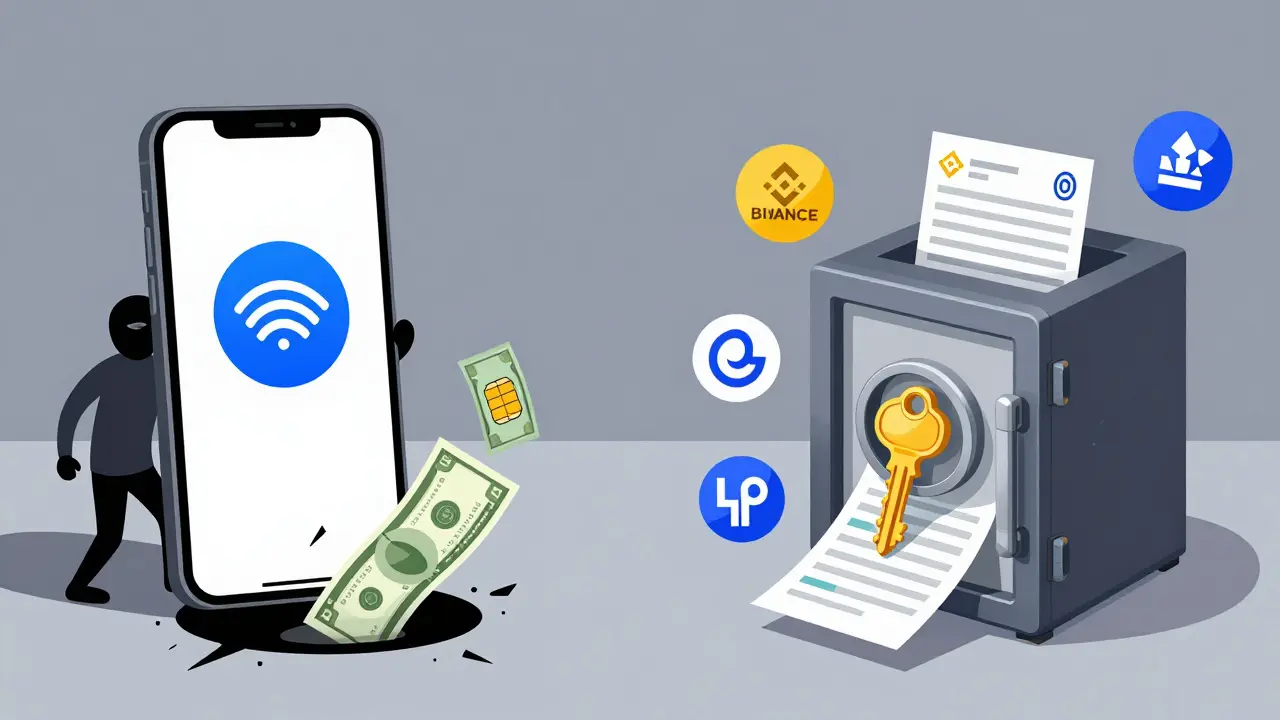
You’ll typically see two options when setting up 2FA: authenticator apps and SMS. Don’t pick SMS. Ever. SMS-based 2FA relies on your phone number. But phone numbers can be hijacked through SIM swap attacks-where a hacker convinces your carrier to transfer your number to a new SIM card. Since 2020, over $100 million in crypto has been stolen this way, according to Dr. Matthew D. Green from Johns Hopkins University. Even major exchanges like WEEX and Kraken explicitly warn against SMS. Authenticator apps use TOTP (Time-Based One-Time Password), which generates a new 6-digit code every 30 seconds. These codes are tied to a secret key stored only on your device and the exchange’s server. No phone network. No carrier to hack. Just a code you can’t guess. The best apps? Google Authenticator (version 5.10+), Authy (version 24.1.0+), and Microsoft Authenticator. All support TOTP, work on iOS 16+ and Android 10+, and are free. Avoid apps that ask for cloud backups unless they’re encrypted end-to-end-Binance’s new authenticator app is an exception, but even then, experts debate the risks.Step-by-Step: How to Enable 2FA on Any Crypto Exchange
The process is almost identical across platforms. Here’s how to do it:- Log into your exchange account. Use your email and password. You may also need to complete a CAPTCHA or email verification.
- Go to Security Settings. Look for a menu labeled “Security,” “Account Settings,” or your profile icon (usually top-right). Click “Two-Factor Authentication” or “2FA.”
- Select Authenticator App. Choose “Authenticator App” over SMS. If you see both options, don’t be tempted by SMS-it’s weaker.
- Scan the QR code. Open your authenticator app (Google Authenticator, for example), tap “+”, then “Scan QR Code.” Point your phone’s camera at the QR code on screen. If it doesn’t scan, tap “Enter provided key” and manually type the 16-32 character secret key shown below the QR code.
- Enter the 6-digit code. Your app will now show a 6-digit number. Type it into the exchange’s verification box and click “Verify.”
- Save your recovery codes. This is the most important step. The exchange will give you 10-16 alphanumeric recovery codes. Write them down on paper. Store them in a safe place-like a locked drawer or fireproof safe. Never take a photo, upload them to iCloud, Google Drive, or email them. Exchanges like Binance and Kraken say they cannot recover your account without these codes.
That’s it. You’re done. The whole process takes about 2 minutes if you’ve done it before. First-timers might take 5-7 minutes if they’re confused by the interface.
What Happens If You Lose Your Phone?
This is the fear everyone has. You drop your phone. It dies. It gets stolen. Now you’re locked out of your crypto. That’s why recovery codes exist. If you saved them properly, you can log back in by selecting “I lost my authenticator device” and entering one of your recovery codes. Each code can only be used once, so don’t reuse them. If you didn’t save them? You’re in trouble. Exchanges like Binance, Kraken, and Crypto.com have zero ability to reset 2FA without those codes. Reddit user u/LostMyCryptoKeys lost $8,500 this way. No one can help you. Not customer support. Not a lawyer. Not the police.Advanced Security: Hardware Keys and Biometrics
For high-value accounts ($10,000+), consider upgrading to a hardware security key like YubiKey. These are physical USB or NFC devices that you plug in or tap to authenticate. They’re immune to phishing, malware, and SIM swaps. Coinbase is already testing them in beta. FIDO2 passkeys-using your fingerprint or face ID to log in without a password-are also rolling out. Kraken and others are testing them. This could replace 2FA entirely in the future, but for now, it’s still rare. For now, stick with your authenticator app. It’s the sweet spot between security and usability.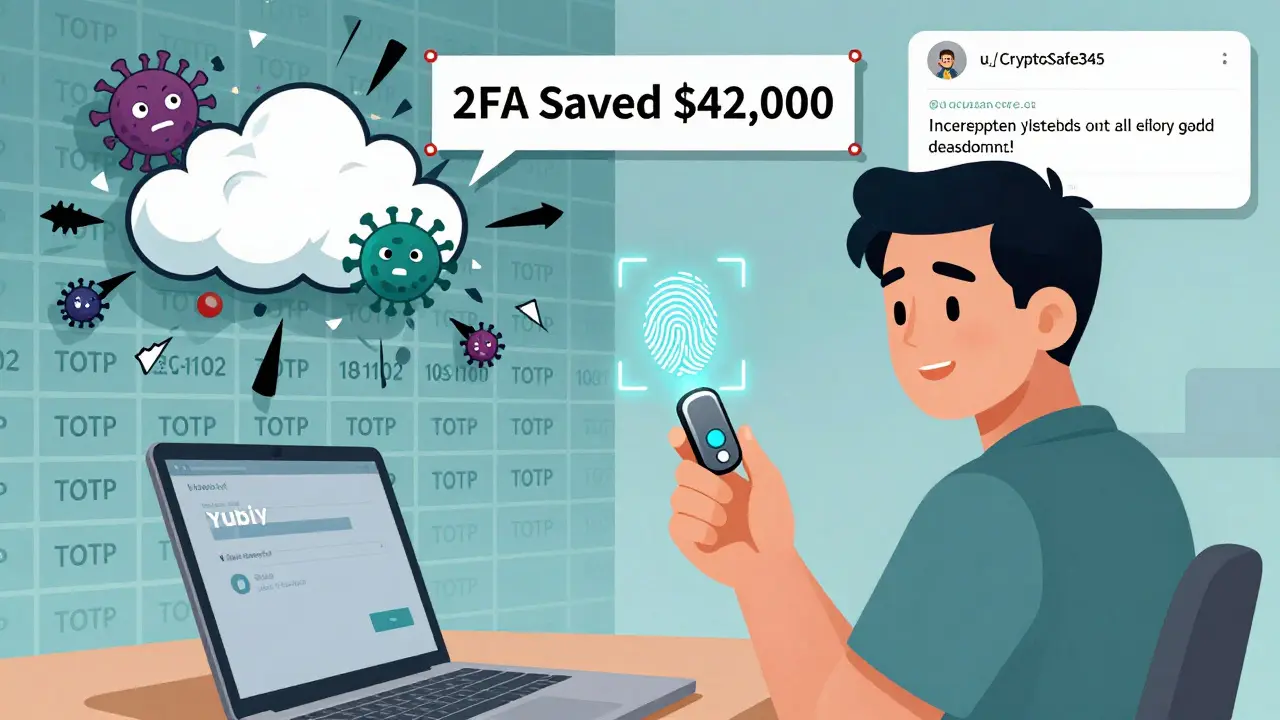
Common Mistakes People Make (And How to Avoid Them)
- Using SMS - You’re inviting a SIM swap attack. Skip it.
- Not saving recovery codes - 67% of users don’t. Don’t be one of them.
- Storing codes in the cloud - iCloud, Google Drive, or email backups are prime targets. Paper is safest.
- Using the same phone for crypto and 2FA - If your phone gets infected with malware, the app can be compromised. Consider using a secondary device just for 2FA.
- Enabling 2FA on the app but not the exchange - Crypto.com’s app and exchange use separate 2FA systems. Enable both.
- Sharing recovery codes - Even with a trusted friend. If they get hacked, you’re next.
Real-World Proof: 2FA Saved My Account
A user on Reddit, u/CryptoSafe345, shared that their Binance account was targeted by someone in Nigeria. The hacker had their password. They even bypassed the CAPTCHA. But when they tried to log in, they hit the 2FA wall. No code. No access. The user got a notification and changed their password. Their $42,000 stayed safe. That’s not luck. That’s 2FA working exactly as designed.Final Thoughts: Don’t Wait Until It’s Too Late
Crypto isn’t like a bank. There’s no FDIC insurance. No customer service rep who can undo a mistake. If you lose your crypto to a hack, it’s gone forever. Enabling 2FA is the single most effective thing you can do to protect your assets. It’s free. It’s fast. And it works. Do it today. Not tomorrow. Not next week. Today.Can I use SMS for 2FA on crypto exchanges?
No, you should never use SMS for 2FA on crypto exchanges. SMS is vulnerable to SIM swap attacks, where hackers trick your mobile carrier into transferring your number to a device they control. Since 2020, over $100 million in cryptocurrency has been stolen this way. Authenticator apps like Google Authenticator or Authy use TOTP codes that are generated locally on your device and are far more secure.
What happens if I lose my phone and didn’t save my 2FA recovery codes?
If you lose your phone and didn’t save your recovery codes, you will likely lose access to your exchange account permanently. Exchanges like Binance, Kraken, and Coinbase explicitly state they cannot reset 2FA without those codes. There is no backdoor, no customer service override, and no way to recover your account. This is why writing down your recovery codes on paper and storing them securely is the most critical step in the setup process.
Is Google Authenticator safe for crypto 2FA?
Yes, Google Authenticator is safe for crypto 2FA, as long as your phone isn’t compromised. It uses the TOTP standard, which is widely trusted by security experts. However, if malware infects your phone, it can capture the codes generated by the app. For maximum security, consider using a dedicated device for 2FA or upgrading to a hardware key like YubiKey.
Do I need to enable 2FA on both the exchange website and the mobile app?
Yes, if you use both. Some exchanges like Crypto.com treat the app and website as separate systems, requiring 2FA to be enabled independently on each. Enabling it on one doesn’t automatically enable it on the other. Check your settings on both platforms to ensure full protection.
Can I use the same authenticator app for multiple exchanges?
Yes, you can use the same authenticator app (like Google Authenticator) for multiple exchanges. Each exchange generates its own unique secret key and adds a separate entry in your app. The app will show a different 6-digit code for each account, labeled with the exchange name. Just make sure you know which code belongs to which account to avoid confusion.
25 Comments
2FA saved my ass last year. Hacker had my password. Didn't have my phone code. Zero drama. Just locked out. Do it.
Oh wow. Another "do this or you're dumb" guide. Newsflash: most people don't have a spare phone just to store a 6-digit code. But sure, let's blame the victims.
SMS is trash. Authenticator apps are basic. But you still need to backup codes. Most people skip this. Then cry when they lose access.
You're all missing the real issue. TOTP is still vulnerable to MITM attacks via compromised DNS or router hijacking. Hardware keys are the only true solution. Anything else is theater.
This is one of the clearest, most practical guides I've seen. Seriously, if you're holding crypto and haven't done this yet - stop scrolling. Go do it now. Your future self will thank you. 🙌
I appreciate the clarity of this post. However, I would like to emphasize that enabling 2FA is not a one-time task. Regularly reviewing your security settings and updating recovery methods is essential for long-term protection.
bro i just scanned the qr code and thought i was done. then i saw the recovery codes and was like... wait what? i didnt save those. now im sweating. anyone know if kraken will help?
I used to think 2FA was overkill. Then I watched a friend lose $12k because they used SMS. Now I preach this like it's gospel. No exceptions. No excuses.
I enabled 2FA yesterday 😊 I even wrote my codes on paper and put them in a ziplock bag in my safe. Now I feel like a crypto ninja 🥷✨
i think 2fa is just a way for exchanges to make you feel safe while they still steal your money. just sayin. also i typoed my recovery code and now i cant log in. lol
This is the most important thing you’ll do for your crypto this year. Seriously. Do it. Now. 🤝💯
what if the government seizes your recovery codes? or your paper gets burned? or your safe is robbed? 2fa is a scam. they want you to feel safe so you keep holding. wake up.
I just did it! 🎉 Used Google Authenticator + wrote codes on paper. Also hid one copy in my bookshelf. 📚🔒 You’re welcome, future me!
The reliance on t.o.t.p. is fundamentally flawed. It presumes a static threat model. In reality, device compromise, firmware-level keyloggers, and side-channel attacks on mobile processors render it obsolete. We need decentralized identity.
I read this whole thing. Then I went to my exchange. Didn't have 2fa. Set it up. Saved my recovery codes. Then I cried. Not because I was scared. Because I was late.
Honestly, if you're still using an app like Google Authenticator, you're not serious about security. It doesn't sync. It doesn't backup. It's a relic. You need a YubiKey. Or you're just pretending.
i had the same thing happen. lost my phone. didn't save codes. called kraken. they said 'sorry, no way to recover'. i lost 8k. now i use yubikey and a usb stick with printed codes. lesson learned the hard way.
I'm not even into crypto. But I read this and thought: wow. this is how you teach people something important. clear, calm, no panic. good job.
I enabled 2fa... then my phone died. I tried to use the recovery code. But I wrote it in my notes app. And my phone was locked. So I lost access. And now I'm broke. Thanks, tech.
The entire premise of 2FA assumes that the user is rational, technically literate, and emotionally stable - which, statistically speaking, is a naive assumption. The majority of users don't understand cryptographic principles, nor do they have the mental bandwidth to manage multiple layers of security. We are designing systems for an idealized human, not the one that actually exists. This is why so many people fail - not because they're careless, but because the system is designed to fail them.
You mentioned YubiKey. But did you consider FIDO2 passkeys? They're phishing-resistant, biometric-authenticated, and eliminate the need for recovery codes entirely. Kraken's beta rollout proves this is the future. TOTP is already legacy tech.
If you're not using a hardware key, you're not serious. Period. SMS? Authenticator apps? Those are for people who think security is a checkbox. Real security is physical. Get a YubiKey. Now.
I appreciate the thoroughness of this guide. However, I must emphasize that the psychological burden of managing recovery codes, coupled with the irreversible consequences of misplacement, creates a systemic risk that is not adequately addressed. One must question whether the current paradigm of 2FA is ethically sustainable for the average user.
While I commend the technical accuracy of this guide, I must raise a concern regarding accessibility. Not all users have access to smartphones capable of running authenticator apps. In developing regions, feature phones remain prevalent. The assumption that everyone can use Google Authenticator is not only inaccurate - it is exclusionary. A truly inclusive security model must accommodate low-tech alternatives.
The assertion that 2FA is 'non-negotiable' is both correct and insufficient. The real issue lies in the broader ecosystem: exchanges that fail to enforce 2FA, regulatory bodies that lag behind, and users who are not educated in digital hygiene. Security is not a feature - it is a culture. And we are not yet building that culture.