
Future of Exchange Licensing: Microsoft's Shift to Subscription-Only Model
Exchange Server Subscription Cost Calculator
Microsoft is ending perpetual licenses for Exchange Server after October 14, 2025. This tool helps calculate the annual subscription costs compared to your current model.
Cost Analysis
Based on Microsoft's announcement, the annual cost for Exchange Server SE ranges from $30,000 to $50,000 for a 5,000 mailbox deployment.
Current licensing model (perpetual): One-time cost of $150,000 for 5,000 mailboxes
New subscription model: $8 to $10 per mailbox annually
Annual Subscription Cost
$40,000
for 5,000 mailboxes
Cost Per Mailbox
$8 per mailbox
(based on 5,000 mailboxes)
Cost Comparison
Current Model
One-time payment of $150,000
for 5,000 mailboxes
New Subscription Model
$40,000 annually
$8 per mailbox
Over 3 years: $120,000 vs. $150,000 initial payment
Important Timeline
Microsoft ends support for Exchange Server 2016 and 2019 on October 14, 2025. After this date, your servers will no longer receive security updates or technical support.
Starting in Q3 2025, you must pay an annual subscription to continue running Exchange Server.
Only 3-4 months until October 2025 deadline
Microsoft is ending the era of perpetual licenses for Exchange Server. Starting in Q3 2025, the only way to run Exchange on your own servers is by paying an annual subscription. There’s no more buying a license once and using it forever. If you’re still running Exchange Server 2016 or 2019, you have until October 14, 2025, to move - and Microsoft won’t offer any extended security updates after that date. No grace period. No safety net. Just a hard stop.
What Exactly Is Exchange Server Subscription Edition?
Exchange Server Subscription Edition (SE) isn’t a new product with flashy features. It’s Exchange Server 2019 Cumulative Update 15, repackaged with a subscription lock. Microsoft didn’t rebuild it. They just changed the rules. You still get the same email engine, the same management tools, the same architecture. But now, every year, you must renew your license through the Microsoft 365 Admin Center. If you don’t pay, the server stops working.
The first version of Exchange Server SE will include only minor updates: support for Windows Server 2025 and a new subscription-checking system. The real changes come later. In late 2025, Cumulative Update 1 will remove Outlook Anywhere (RPC over HTTP), replace NTLM authentication with Kerberos for server-to-server communication, and kill the ability to coexist with older Exchange versions. That means you can’t mix old and new servers in the same organization anymore. You have to go all-in - or get out.
Why Microsoft Made This Move
Microsoft’s shift isn’t about improving email. It’s about money. For decades, Exchange Server was a one-time purchase. Companies bought licenses, installed them, and rarely upgraded. Microsoft got paid once, then watched as those customers sat on outdated versions for years. With Exchange Server SE, they get recurring revenue. Every year. No exceptions.
This mirrors what Microsoft did with SharePoint Server SE in 2023. It’s part of a broader push to kill perpetual licensing across its on-premises products. The goal? Push customers toward Microsoft 365, where margins are higher and lock-in is stronger. According to Redress Compliance’s 2025 report, Microsoft aims to raise average revenue per user (ARPU) by 15-20% across its on-premises portfolio. Exchange Server is ground zero for that strategy.
There’s also a technical reason. Maintaining multiple versions of Exchange - with different patches, compatibility layers, and support paths - is expensive. By forcing everyone onto one subscription model, Microsoft simplifies its support burden. They can focus resources on one codebase, one update cycle, one licensing system.
What This Means for Your Budget
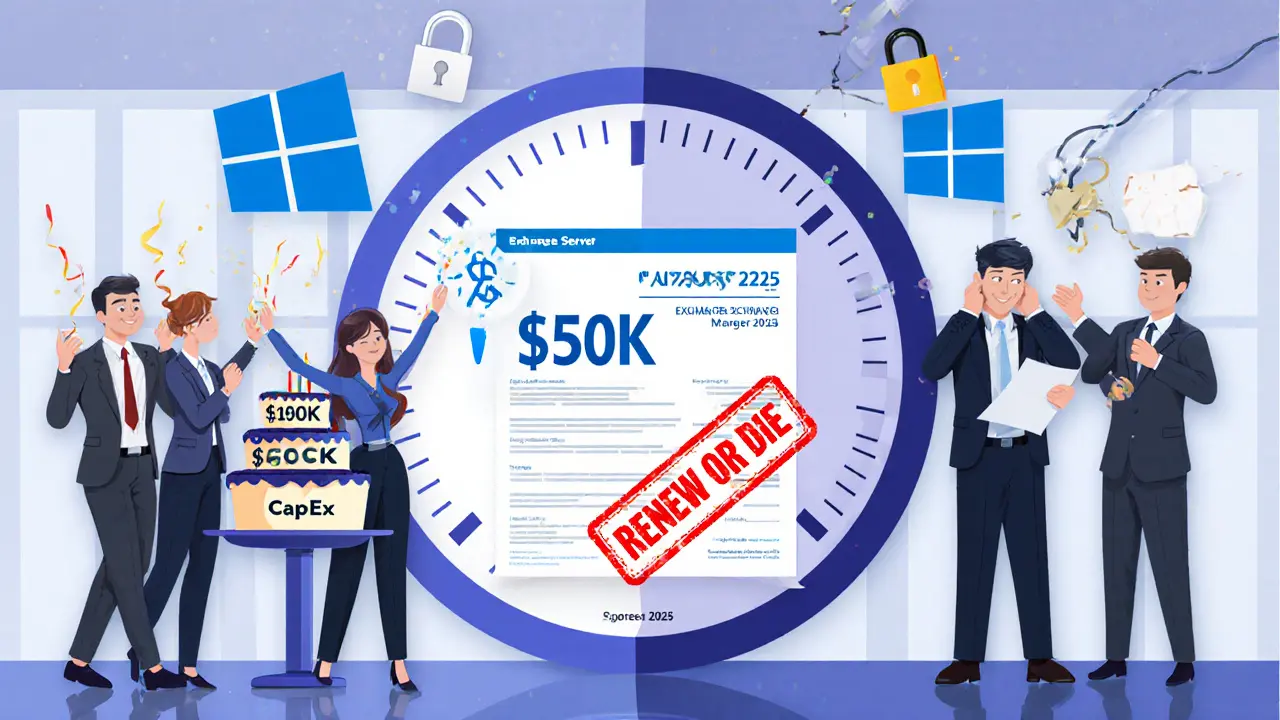
If you’re used to paying $150,000 once for a 5,000-mailbox Exchange 2019 deployment, you’re in for a shock. That same setup now costs $30,000 to $50,000 every year. That’s not a small increase. It’s a complete shift from capital expenditure (CapEx) to operational expenditure (OpEx). Finance teams used to budget for big, one-time hardware and license purchases. Now they need to plan for recurring annual costs - and those costs could go up each year.
There’s no discount program like the old Enterprise Agreement. Microsoft is pushing everyone toward the Microsoft Customer Agreement (MCA), which offers fewer discounts and ties you tighter to subscription commitments. For organizations with tight budgets or long procurement cycles - like hospitals, schools, or government agencies - this is a nightmare. They can’t just flip a switch. They need multi-year planning. Microsoft gave them none.
No Extended Security Updates - And Why That’s a Big Deal
Microsoft used to offer Extended Security Updates (ESUs) for products like Windows Server 2012 R2. After end-of-support, you could pay 75% of the annual subscription fee to keep getting critical security patches for three more years. It was a lifeline for organizations that needed more time to migrate.
For Exchange Server 2016 and 2019? Zero ESUs. Not a single patch after October 14, 2025. That’s unprecedented. It’s also dangerous. If you’re still running Exchange after that date - even if it’s just one server - you’re exposing your organization to unpatched vulnerabilities. No one in IT wants to be the person who explains why their email system got hacked because they couldn’t afford to upgrade on time.
Compare that to Windows Server 2019, which gets ESUs until 2029. Exchange Server 2019 gets nothing. That’s not a technical decision. It’s a business one. Microsoft wants you to move to Exchange Online. And they’re making staying as painful as possible.
Migration Is Tight - And Under-Resourced
You have about three to four months between the release of Exchange Server SE (expected July-September 2025) and the October 14, 2025 end-of-support deadline. That’s not enough time to plan, test, and deploy a full migration for most enterprises.
Microsoft’s documentation is thin. There are no step-by-step migration guides. The official Exchange Server portal only has announcements. The Tech Community has fewer than a dozen detailed threads on Exchange Server SE. Most administrators are still figuring out what the subscription model even means.
And the skills gap is real. Many on-premises Exchange admins have never touched the Microsoft 365 Admin Center. They don’t know how to assign subscription licenses, manage hybrid configurations, or troubleshoot authentication issues tied to Azure AD. Yet now, those are mandatory skills.
The only help Microsoft offers is a free hybrid server license - but that’s only useful if you’re already running a hybrid setup. For organizations fully on-premises, that’s not a solution. It’s a distraction.
What Are Your Real Options?
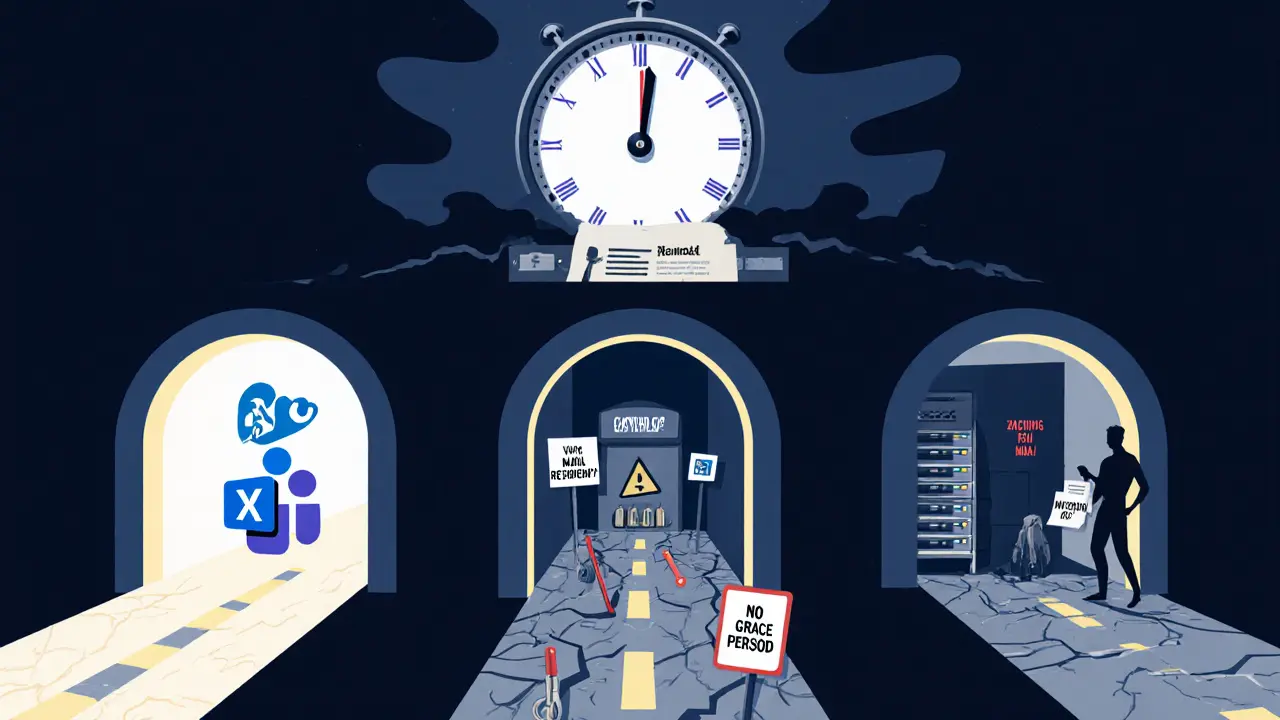
You have three paths:
- Migrate to Exchange Online - This is what Microsoft wants. You get automatic updates, no licensing headaches, and integration with Teams, SharePoint, and Microsoft 365 apps. But you lose control. Your data lives in Microsoft’s cloud. Compliance and data residency become harder to manage.
- Switch to a third-party email platform - Zimbra, ProtonMail, or Mail-in-a-Box offer perpetual licensing or flexible subscription models. You keep your infrastructure. But you lose integration with Microsoft tools. Users might resist the change. Support becomes your problem.
- Stay on Exchange Server 2019 - and risk it - Some organizations will try to keep running Exchange 2019 after October 2025. They’ll disable internet access, isolate the server, and hope for the best. This is not a strategy. It’s gambling. One zero-day exploit, and your entire network could be compromised.
There’s no good option. Only less bad ones.
What Experts Are Saying
Gartner analyst Michael Burley called this move “the most aggressive on-premises licensing transition since the shift to Microsoft 365.” He’s right. No other enterprise software vendor has pulled this stunt - forcing a hard cutoff with no safety net, in under four months, for a product that still runs in 42% of enterprises.
Practical365’s Tony Redmond put it bluntly: “The initial Exchange Server SE release is more about the change in licensing and support rather than introducing new features.” In other words, Microsoft didn’t build a better email server. They built a better revenue engine.
On the flip side, Microsoft MVP Anderson Patricio argues the subscription model lets Microsoft invest more in Exchange development. Maybe. But if the next major feature update doesn’t come until late 2025 - and it’s just a few API changes - then what’s the real value?
What Comes Next?
By 2027, industry analysts predict fewer than 25% of organizations will still run on-premises Exchange. The rest will have moved to Exchange Online or switched platforms entirely. Microsoft’s long-term vision for Exchange Server is clear: it’s not a growth product. It’s a transition tool.
The next major update - Exchange Server SE Cumulative Update 1 - will arrive in late 2025. It’s expected to add new admin APIs and remove legacy protocols. After that? Microsoft might tie Exchange to its AI services. Think Copilot for email, but only if you pay extra. That’s the next phase: bundling AI add-ons into subscription tiers.
For now, the message is simple: pay annually, or get off the platform. Microsoft isn’t asking. They’re telling.
Frequently Asked Questions
Will Exchange Server 2019 still work after October 14, 2025?
No. Microsoft will stop providing security updates, technical support, and bug fixes after October 14, 2025. The server may continue running, but it will be vulnerable to known exploits. Running it after that date is a security risk and violates Microsoft’s support policy.
Can I convert my existing Exchange 2019 perpetual licenses to Exchange Server SE?
No. Microsoft has confirmed that perpetual licenses cannot be exchanged, upgraded, or converted to the subscription model. You must purchase new Exchange Server SE licenses through the Microsoft 365 Admin Center, regardless of your current licensing status.
Is there a free version of Exchange Server SE?
No. Exchange Server SE requires an annual subscription. However, Microsoft offers a complimentary hybrid server license to organizations using hybrid deployments. This license lets you run a server that connects to Exchange Online, but it doesn’t replace the need to license your on-premises servers.
Do I need Windows Server 2025 to run Exchange Server SE?
Yes. Exchange Server SE requires Windows Server 2025 or later. You cannot install it on Windows Server 2016 or 2019. This means you must upgrade your operating system before deploying Exchange Server SE - adding another layer of complexity and cost to the migration.
What happens if I don’t renew my Exchange Server SE subscription?
Your Exchange Server SE installation will stop functioning. Microsoft’s subscription validation system will detect the expired license and disable email services. There is no grace period. No warning. Just a hard shutdown.
Are there alternatives to Exchange Server SE?
Yes. Alternatives include Zimbra (offering perpetual licenses), ProtonMail for secure email, or self-hosted solutions like Mail-in-a-Box. These options give you more control over licensing and infrastructure but require more hands-on management and lack deep integration with Microsoft 365 tools like Teams and SharePoint.
13 Comments
It's fascinating how corporate strategy increasingly prioritizes recurring revenue over user autonomy. This isn't just about Exchange-it's a microcosm of the broader shift from ownership to access. We're becoming tenants of our own technology, paying monthly for tools we once owned outright. The philosophical implications are profound: what does it mean to 'own' software when your access can be revoked by a payment lapse?
And yet, I understand the business logic. Maintaining legacy infrastructure is a cost center. But the lack of ESUs feels punitive rather than pragmatic. Where's the empathy for institutions that can't move as fast as Silicon Valley?
AMERICA BUILDS THE FUTURE AND MICROSOFT IS JUST DOING WHAT'S NECESSARY. IF YOU CAN'T AFFORD THE SUBSCRIPTION, YOU SHOULD'VE INVESTED IN CLOUD YEARS AGO. STOP WHINING AND ADAPT. THIS ISN'T A PRIVILEGE-IT'S A MODERNIZATION. OUR COMPETITORS AREN'T STUCK IN 2010. GET WITH THE PROGRAM OR GET LEFT BEHIND.
OH MY GOD. THEY’RE JUST GOING TO SHUT IT OFF?!?!?! Like, no warning? No ‘hey maybe upgrade?’ Just… poof? 😱
And now you need Windows Server 2025?!?!? That’s not a migration-it’s a hostage situation. I swear, Microsoft’s been slowly turning every on-prem product into a subscription trap since the Xbox One launched. This is the endgame. They don’t want you to run software anymore-they want you to rent it. Forever. 😤
Interesting times indeed. The shift to subscription is inevitable, but the timeline? Brutal. I’ve worked in NHS IT for 15 years-we can’t just flip a switch. Procurement cycles are measured in quarters, not months. Microsoft’s approach feels less like innovation and more like a financial squeeze. Still… maybe it’s time we all stopped clinging to legacy? 🤔
this is kinda sad but also makes sense. people keep old servers running forever and then blame microsoft when they get hacked. better to force them to move. still wish there was a grace period though.
Let’s not pretend this is about security or efficiency. This is a coordinated, multi-year campaign to dismantle on-premises infrastructure as a viable option. The removal of ESUs? A deliberate tactic to create fear, uncertainty, and doubt. The timing? Coinciding with the rollout of Copilot and AI add-ons? Not accidental. This is a forced migration to lock users into the Microsoft 365 ecosystem-and once you’re in, you’ll never leave. They’ve engineered dependency. And they’re proud of it.
I’ve migrated three large orgs off Exchange 2019 this year. The biggest hurdle? Not the tech-it’s the people. Admins who’ve never logged into the M365 portal. Finance teams who think ‘subscription’ means ‘monthly credit card charge.’ The hybrid license? Useless if you’re 100% on-prem. Honestly? Microsoft’s documentation is garbage. If you’re reading this and you’re still on 2019, start testing Exchange Online now. Even if you hate the cloud, you’ll thank yourself in October 2025.
And yes-you need Windows Server 2025. No way around it. Don’t delay.
They didn’t just remove perpetual licenses-they removed your right to choose. This isn’t capitalism. It’s feudalism. You’re now a serf paying rent to Microsoft for the privilege of running email on hardware YOU BOUGHT. And the worst part? They know you can’t leave. Your data’s tied to Azure AD. Your users are trained on Outlook. Your compliance officer won’t sign off on Zimbra. This isn’t a product update. It’s a corporate takeover disguised as progress.
And don’t tell me ‘it’s better for security.’ If you think Exchange Online is magically immune to breaches, you’ve never seen the Microsoft 365 breach reports. The only thing that’s changed? You’re now paying more for less control.
i get why they're doing this but man it's rough for small orgs. maybe they could've offered a 12-month transition window or some kind of discount for non-profits. just a little breathing room would've gone a long way.
Think of this as the digital equivalent of being forced to buy a new car every year because your old one’s ‘outdated.’ We used to own our tools. Now we lease them. And the worst part? We’re told to be grateful.
But here’s the truth: this isn’t the end of on-prem. It’s the birth of a new era of resistance. Open-source email platforms are gaining traction. Communities are forming. We’re building alternatives not because we hate Microsoft-but because we refuse to be held hostage.
Change is coming. And this? This is just the first domino.
Stay strong. Stay independent. And for heaven’s sake, backup your data. 💪📧
Let’s be brutally honest: anyone still running Exchange 2019 in 2025 is either dangerously out of touch or actively avoiding modern infrastructure. The fact that you’re even considering staying on-prem after October is a red flag. You’re not ‘saving money’-you’re gambling with your organization’s reputation. And let’s not pretend third-party solutions are a magic bullet-they’re often less secure, less supported, and harder to integrate. This isn’t a problem. It’s a necessary correction.
man i just tried to set up hybrid and it was a nightmare. the docs are so confusing. microsoft needs to make a simple checklist. like step 1: buy license. step 2: turn on azure ad connect. step 3: don't cry. 😅
They’re not just killing perpetual licenses-they’re killing your freedom. This is the same playbook they used with Windows 10 and Office 365. First, they make you dependent. Then they raise prices. Then they remove the escape hatch. And now? They’re cutting off security updates like a surgeon amputating a limb because the patient ‘refused treatment.’
Who benefits? Not you. Not your users. Not your IT team. The only ones winning? The shareholders who get quarterly dividends from your forced payments. This isn’t innovation. It’s exploitation. And they’re counting on your silence.